
Do I need to install extension updates?
Maybe a silly question? Aha, that was a trick question!
There are no silly questions … only silly answers!
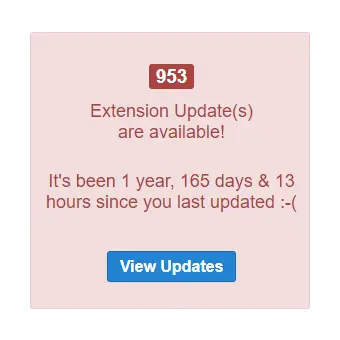
There are many reasons to keep your extensions up-to-date. Of course, the same applies to your Joomla version – and software in general. New versions include the latest security fixes, the newest features, and guarantee compatibility with other software. Simply put, an update is a newer and better version of the software you’re running.
Update whenever you can.
You can also read about updating your Joomla version.
How to update a Joomla extension?
Just as with installing Joomla extensions, there are various ways to update the extensions installed on your Joomla site.
Updating through the Extension manager
The simplest and most common method is to update extensions directly through Joomla as follows:
- Open the Update page
- Log into your site’s backend
- Click on Extensions -> Update

- Select the extensions you plan to update with a checkmark
- Click the Update button in the upper-left corner

- Your extensions should be updated!
Manual extension update
If you like to do things the hard way, you can also:
- Download the updated extension manually from the developer’s website
- Go to the Install tab
- Click on Upload package file
- Search/select the downloaded package on your local computer
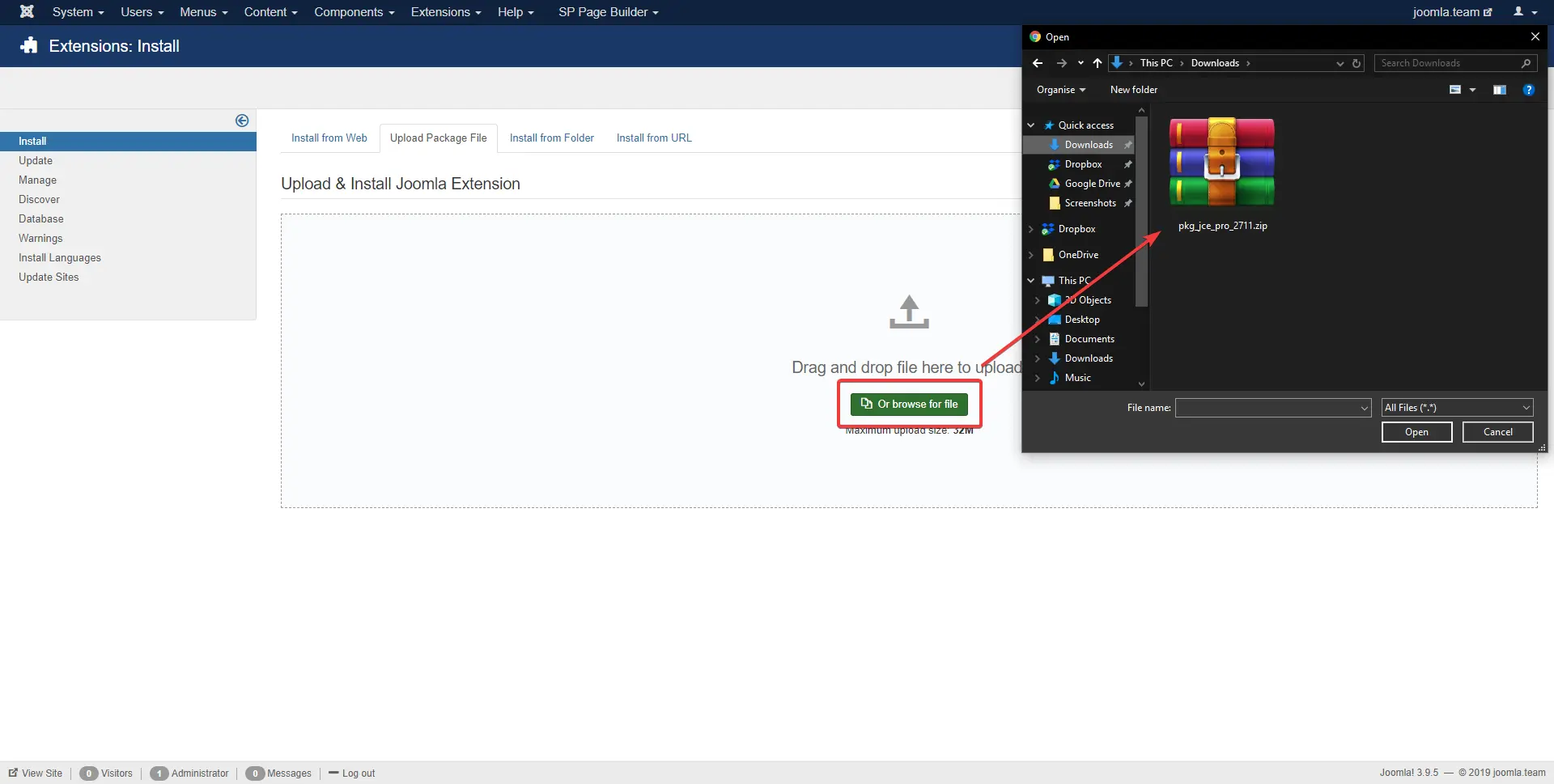
- Wait for the package to upload
- The extension should be successfully updated!
What if I have problems with updating extensions?
Update fails for some reason
Occasionally an extension won’t update as expected. In most such cases you’ll see an error message when you attempt to update. Read the error message, follow any advice it provides, and if necessary contact the developer of the extension in question for help.
Large extension version update
An extension you’re using might also receive a larger update which can’t be installed with a single click. This is increasingly rare, but in these cases – as above – the developer should provide you with detailed guidance on how to proceed.
Worst case: broken Joomla!
In very rare cases an extension update might cause your Joomla website to partly/fully crash. Incompatibility between extensions can cause this, or e.g. installing a new extension version on a very outdated Joomla. If this happens, check out our article about installing your Joomla site from a backup and then start again.
If you are running out of ideas, contact us at contact@joomteam.co.uk. We have lots of experience in restoring Joomla sites, repairing broken ones, updating old software version, etc. Let us know about the problems you’re facing – we’ll be glad to help!